How to Use Highlights as a HERizon Ally

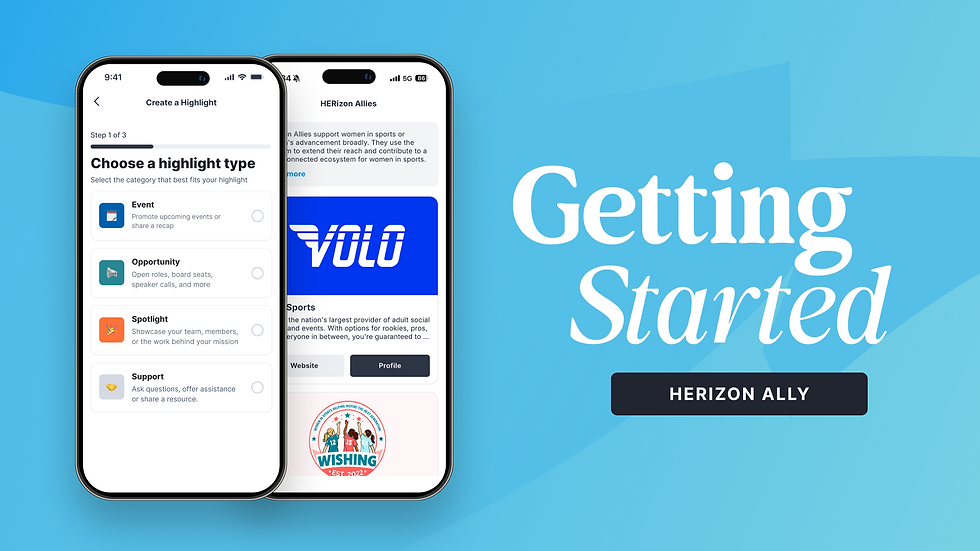
Highlights are how your organization shows up in the HERizon Connect feed. They are structured posts built around templates designed specifically for organizations. You have four categories to work with, each built for a different kind of content.
Tap the blue + button from anywhere in the app and select Post a Highlight to get started.
Posting tips
Aim for 1 highlight per week to stay visible in the feed. If that is not always possible, anything consistent makes a difference.
If you are already posting to LinkedIn or Instagram, consider whether the content works here too. Most of it will!
Mix your categories. Alternating between Opportunities, Spotlights, and Resources keeps your feed varied and gives members different reasons to engage.
Post about your events before and after. The Promote an Event and Event Recap templates are built exactly for that cadence.
Not ready to publish? Tap Save Draft and find it later on your Profile page.

Events
Use this category to promote what is coming up and share what happened after.
Promote an Event — Drive awareness and registrations for an event your organization is hosting or co-hosting. Give members enough detail to get excited and know how to register.
Event Recap — Share how an event went. Celebrate the moment and extend the impact beyond the people who were in the room.
Opportunity
Put your open doors in front of the right people.
Open Role — Share a job opening, board seat, committee vacancy, or volunteer opportunity. The women in this network are actively looking for their next move.
Open Call — Post a speaker application, award nomination, pitch submission, or other community-wide ask. If there is a door you are opening, put it here.
Spotlight
Celebrate your team and make your impact visible.
Program Launch — Announce a mentorship program, internship, fellowship, or initiative your organization is launching. Tell members what it is, who it is for, and how to get involved.
Program Impact — Share the results, stories, and outcomes from a program you have run. Numbers, testimonials, and real stories from the work.
Community Spotlight — Put a team member, board member, staff hire, or someone in your orbit in the spotlight. Recognition posted publicly carries weight.
Support
This is the one category shared across both Ally and individual member accounts. Use it to ask for what you need or offer what you have.
Share a Resource — Drop an article, report, tool, or anything else the network would find useful.
Ask for Help — Bring a need to the network. A referral, a recommendation, a specific ask.
Offer Your Expertise — Let members know where your organization can help, whether that is mentorship, speaking, feedback, or sharing knowledge.

Comments